
Non-technical users
Built for anyone who wants local AI without dealing with command-line flags, memory math, or hunting down GGUF files manually.
Enneal AI Fit · Launch December 20, 2026
Most people would like to use AI on their own computer, yet very few know which model fits their machine or how to set it up. Enneal AI Fit scans your PC, recommends compatible local AI models, downloads and configures everything automatically so you can chat offline and for free.
Sua IA local, no seu hardware — aplicativo desktop gratuito e de código aberto, lançamento em 20 de dezembro de 2026.
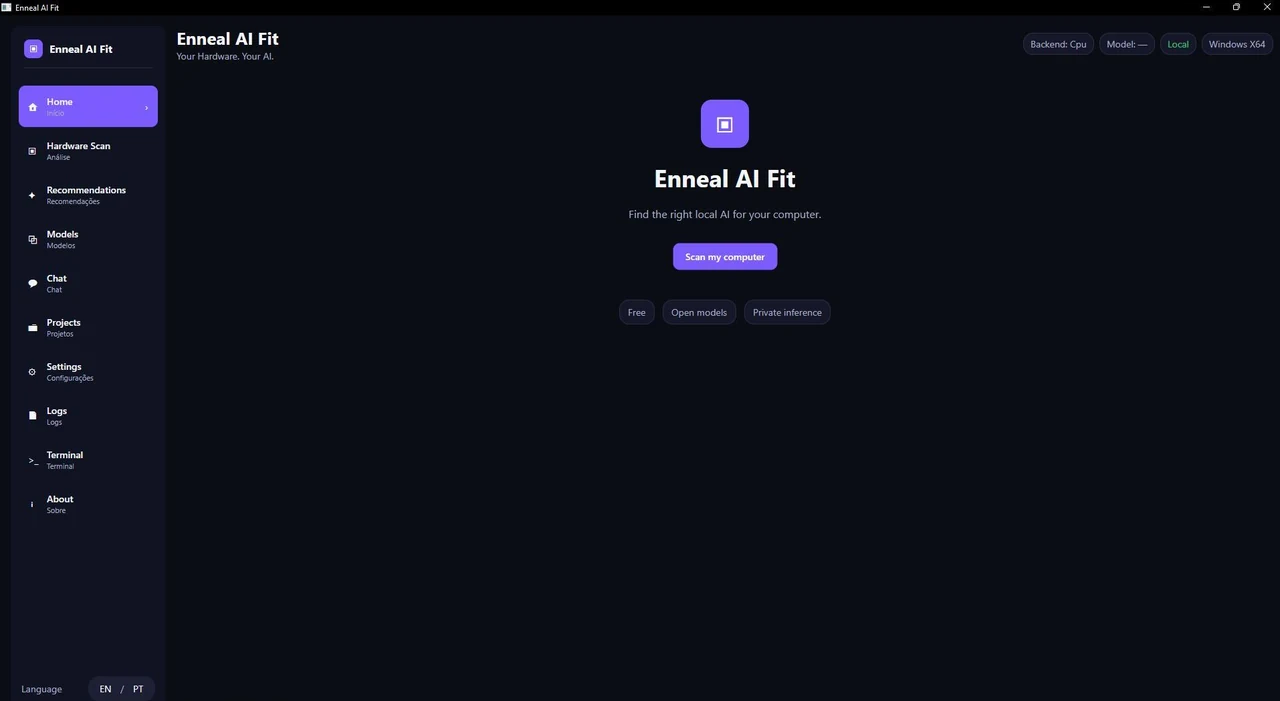
No setup. No technical knowledge needed. Instead of promising every AI model works everywhere, Enneal AI Fit inspects your real hardware and suggests compatible models — from minimum profiles for older PCs to maximum profiles for stronger workstations.
Built for anyone who wants local AI without dealing with command-line flags, memory math, or hunting down GGUF files manually.
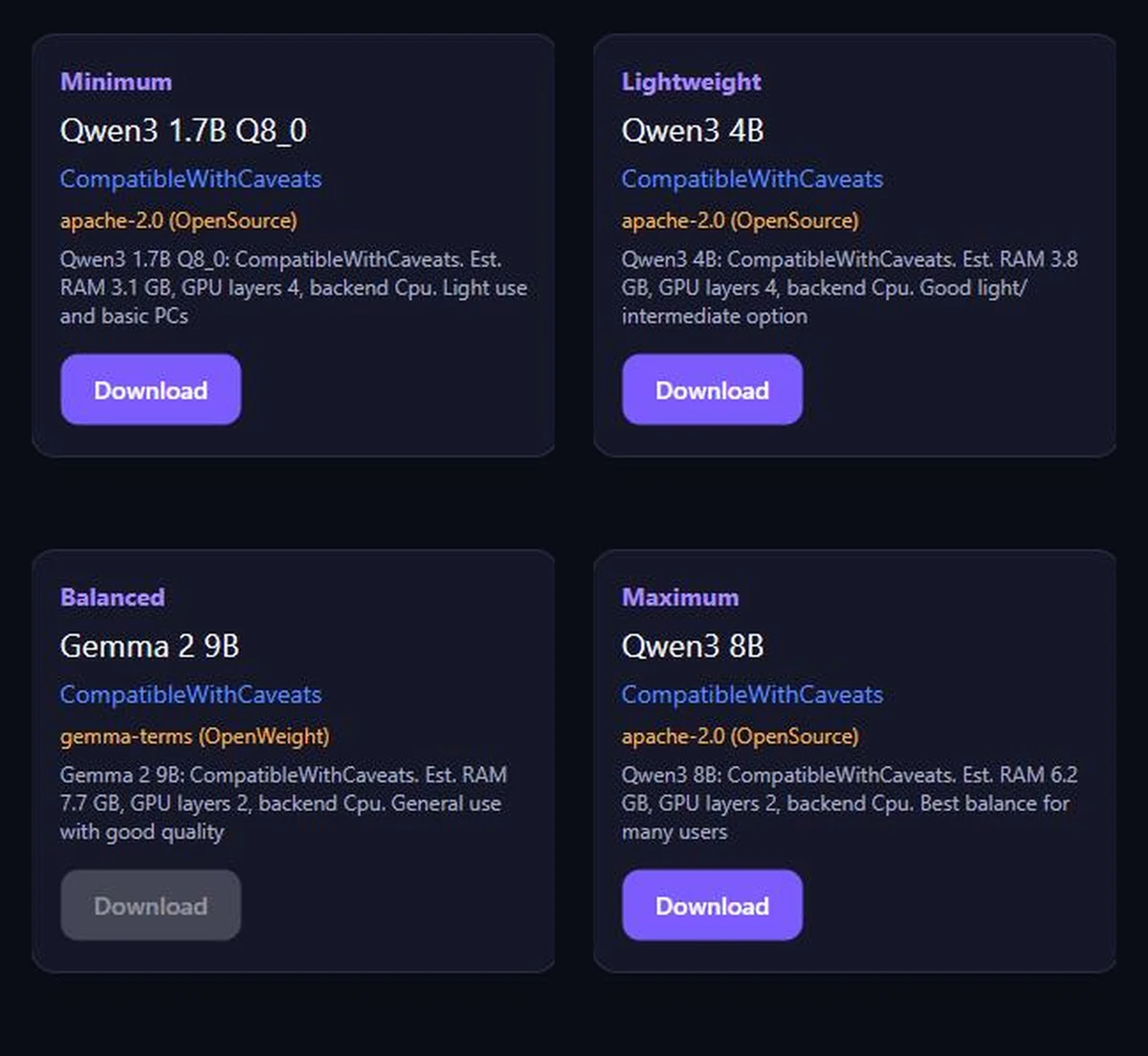
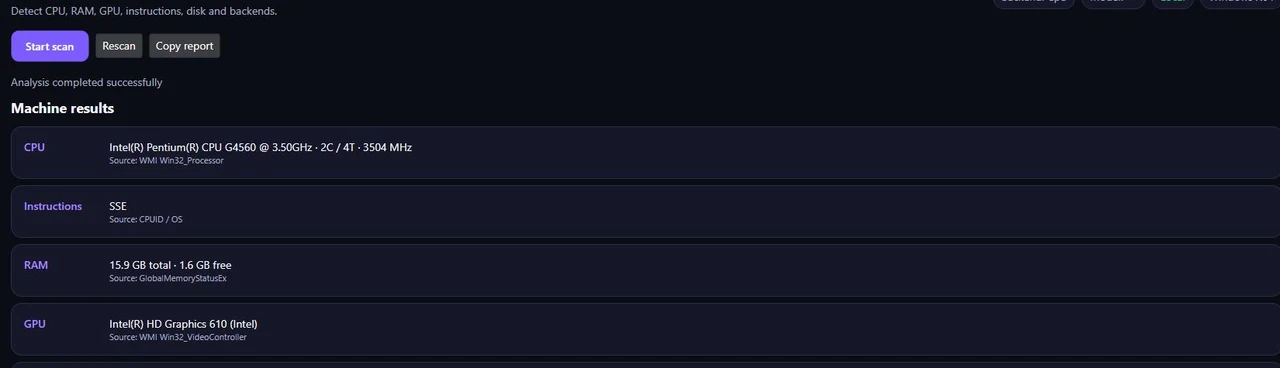
Surfaces lighter options suited to everyday machines — like the real scan below tested on an Intel Pentium G4560 with no dedicated GPU.
Built with Avalonia UI, llama.cpp and open models from Hugging Face, including a Projects area to generate with AI and export a ZIP.
How it works
A guided desktop workflow that handles the technical setup for you.
llama.cpp, offline and free, or generate artifacts in Projects and export as ZIP.
Features
Based on real Windows desktop screens and the public project documentation.
Know what fits before downloading large model files.
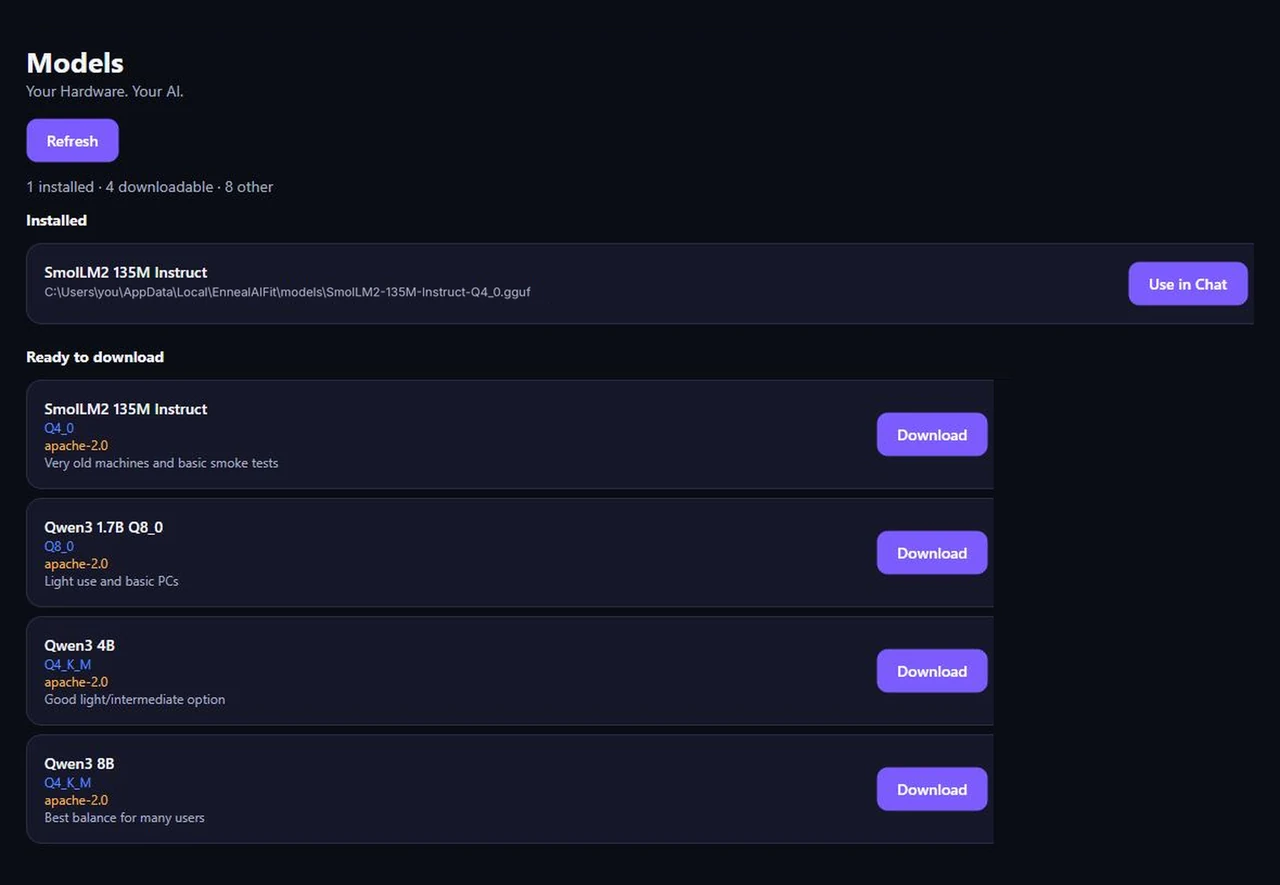
Manage open models locally without guesswork.
Powered locally by llama.cpp with no cloud chat history.
Keep artifacts organized and inspect local activity.
Real screenshots
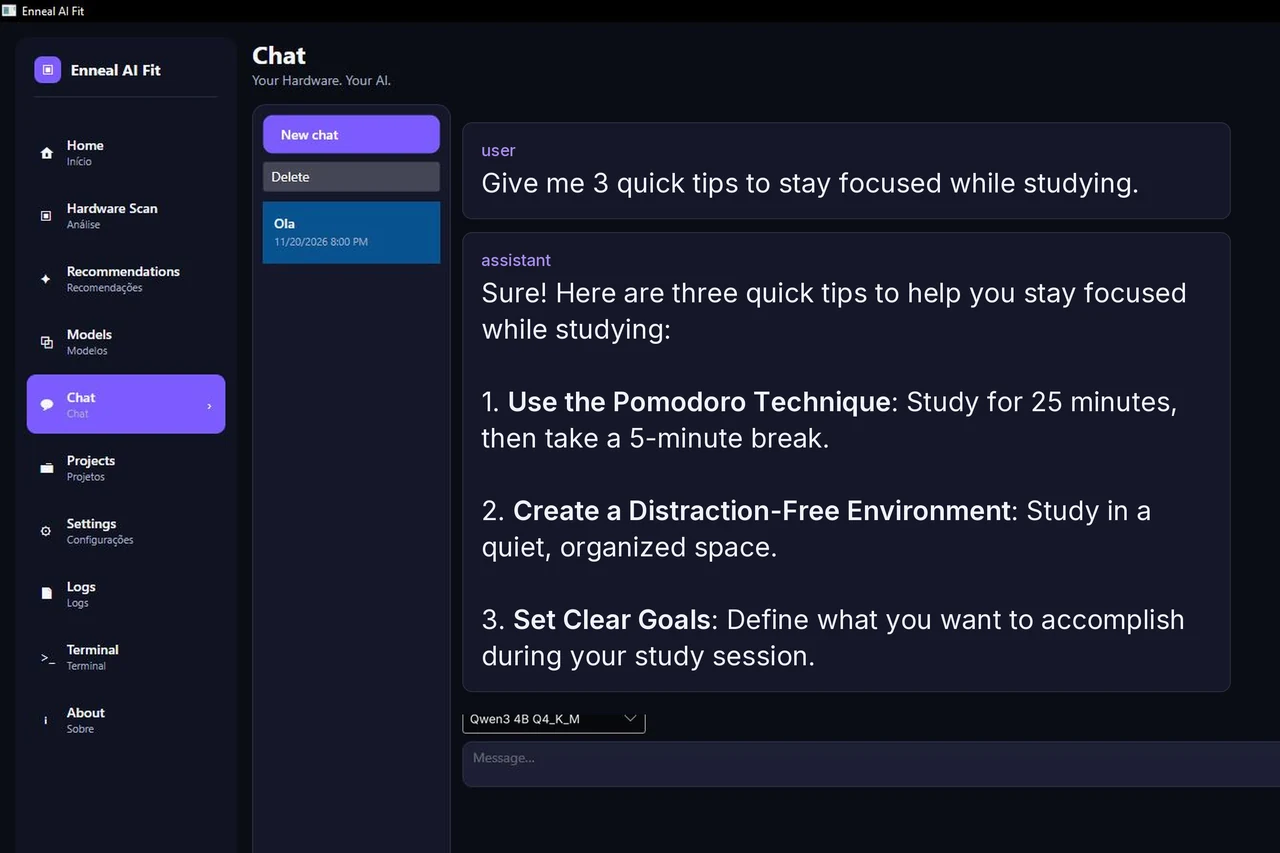
Actual screens from the Windows X64 desktop build. The scan below was run on an Intel Pentium G4560 with 15.9 GB RAM and Intel HD Graphics 610; the chat output is real output from Qwen3 4B generated locally with llama.cpp.
Open source & launch
MIT-licensed public repository on GitHub. Follow the repository or leave your email below to be notified when launch installers are published.
App stack: Avalonia UI · llama.cpp · Open GGUF models from Hugging Face · Bilingual EN / PT-BR UI.
FAQ
Yes. The December 20, 2026 release is free for the community, and the public repository is under the MIT License. Individual open models retain their own licenses (such as Apache 2.0, MIT, or provider-specific terms).
The initial focus is Windows (X64). Linux and macOS are on the roadmap and part of our user interest survey.
No during local inference: models run on your own PC via llama.cpp. Internet is used only when you approve a model download or update the catalog.
The public repository lives at github.com/Edinaldosa2/EnnealAIFit. Release packages are being prepared for December 20, 2026 — leave your email below to get notified as soon as downloads are posted.
Networking Digital
Create a free public professional page on Networking Digital: your social links, what you do, and a unique address ready to share.
Contact & updates
Leave your email to get notified when installers go live, or reach out directly through the channels below.